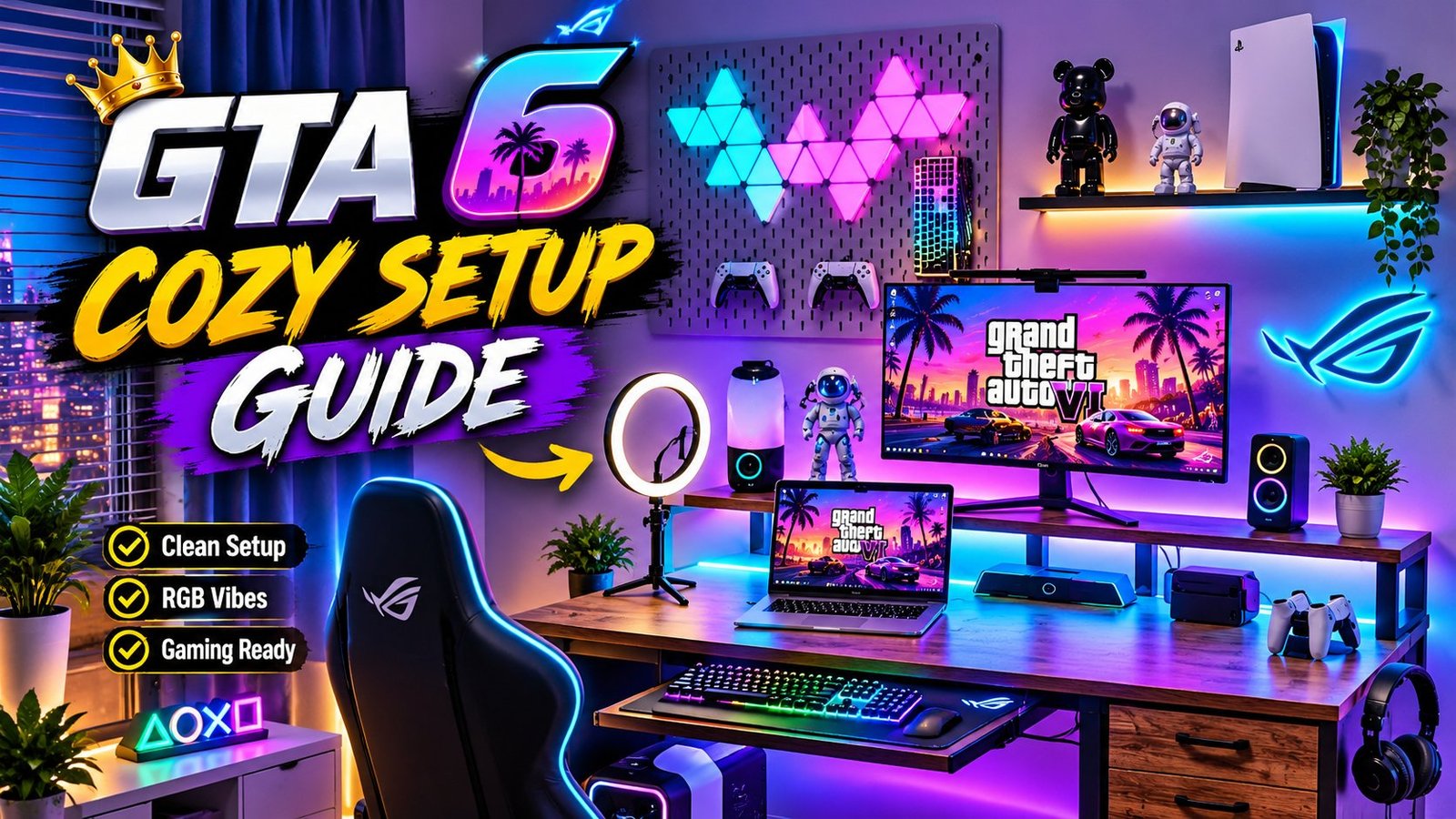
Grand Theft Auto VI is out now. It launched on 19 November 2026 for PlayStation 5 and Xbox Series X|S, and it takes players back to Vice City in the state of Leonida, with Jason Duval and Lucia Caminos as the two lead characters. It is a big, detailed open world, and most players will spend long sessions in it, driving through the city, exploring the map, and following the story.
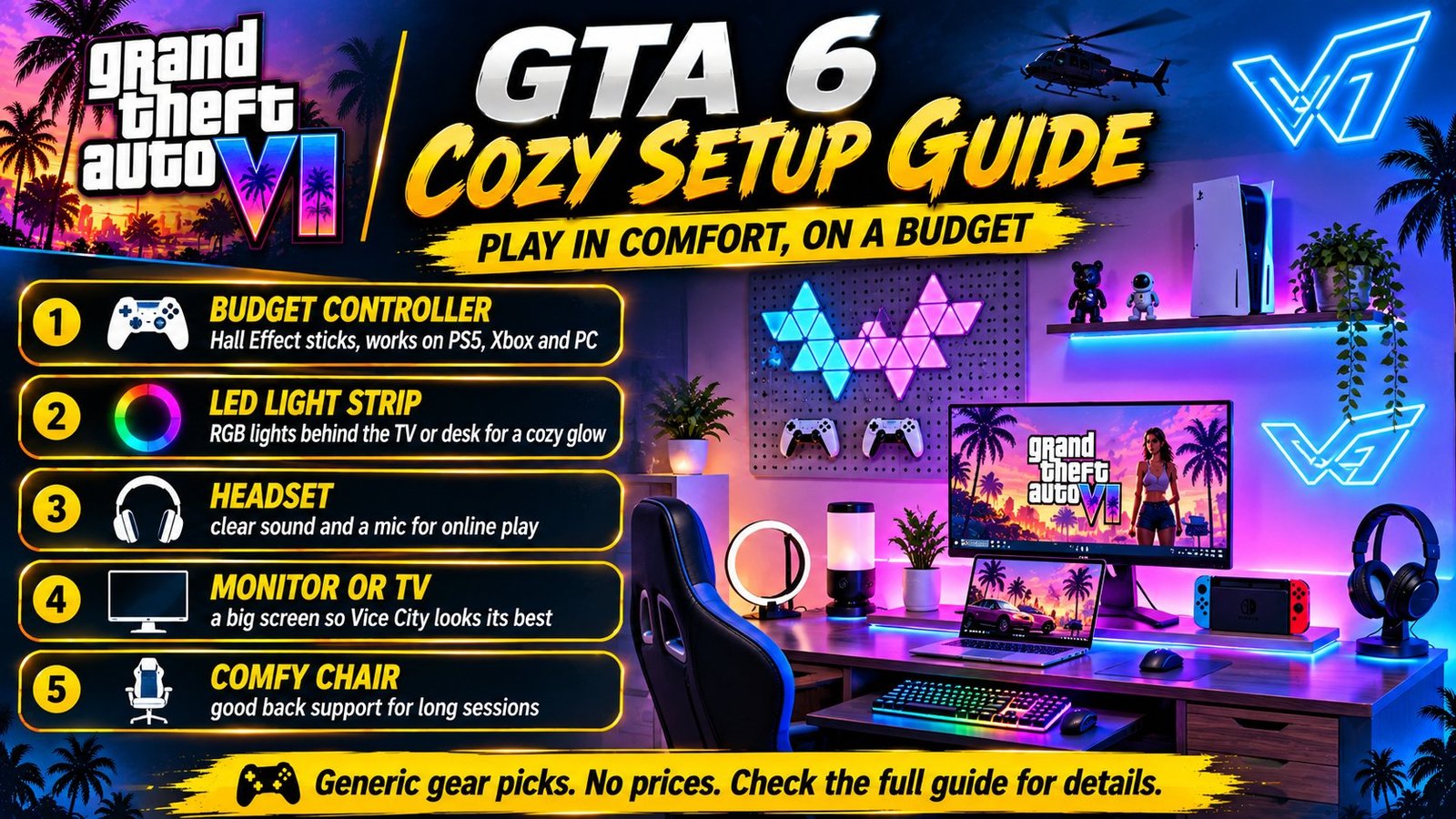
Your Cozy GTA 6 Setup at a Glance
Here is the full checklist in one place. Each item is covered in detail below.
| Item | What to look for |
|---|---|
| 1. Budget controller | Hall Effect sticks, works on PS5, Xbox and PC |
| 2. RGB LED light strip | USB powered, remote control, warm or colourful glow behind the TV or desk |
| 3. Headset | Clear sound and a mic for online play |
| 4. Monitor or TV | A big screen so Vice City looks its best |
| 5. Comfy chair | Good back support for long sessions |
| Room tips | Clean desk, tidy cables, soft lighting, water and snacks nearby |
1. A Budget Controller with Hall Effect Sticks
The feature that matters most is Hall Effect sticks. Normal controller sticks use small parts that wear down with use, and after months of play they can start to drift, which means your character or camera moves on its own. Hall Effect sticks use magnets instead, so they do not wear down in the same way, and they stay accurate for much longer. For a game like GTA 6, where you drive, aim and move through a big city for hours, that accuracy is worth having.
Look for a budget controller with Hall Effect sticks that works on your platform. Many budget controllers now work on PlayStation 5, Xbox and PC, so one controller can cover all three. Check the product page to confirm it works with your console or PC before you buy. Wireless is handy if you sit far from the screen, and a comfortable grip with solid buttons makes long Vice City drives much more enjoyable.
2. RGB LED Light Strip for a Cozy Glow
Lighting changes the whole feel of a room. A simple RGB LED light strip behind your TV or desk adds a soft, colourful glow that makes evening sessions feel cozy, and it costs very little.
Most LED strips are USB powered, so you can plug one into your TV, your console, or a USB port on your desk. Stick it along the back edge of your TV or desk, and use the remote to pick a colour. A warm orange or soft pink glow fits the Vice City sunset mood well, while a cool blue glow feels calm for late night play.
Keep the brightness low. The point is a soft glow around the screen, not a bright light that distracts you. A gentle glow also reduces eye strain, because your eyes are not jumping between a bright screen and a dark room. If your strip has a dimmer, set it to a comfortable level and leave it there. Measure your TV or desk before you buy, so the strip is long enough to cover the back edge. A 5 metre strip is a common size and fits most TVs and desks. Prices change often, so check the store for the current price.
SET UP YOUR GAME ROOM
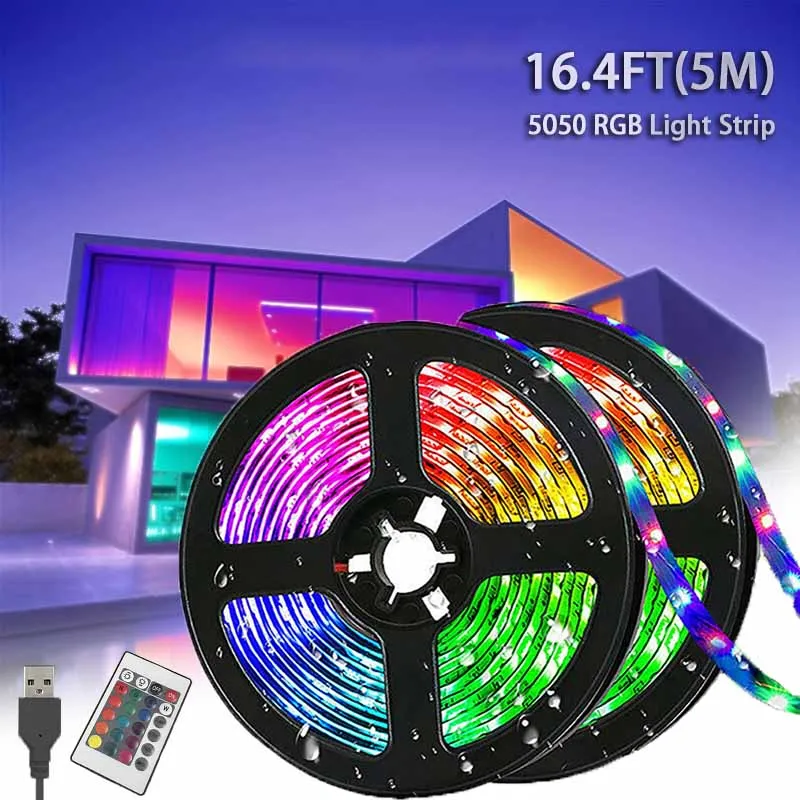
5M RGB LED Light Strip
USB LED strip with 24-key remote for your TV background or game room.
Current price: £0.99 (new shopper exclusive, was £6.93. Prices can change.)
Buy Now on AliExpressAffiliate link: if you buy through it, TournamentPK may earn a small commission at no extra cost to you.
3. A Headset for Clear Sound and Online Play
GTA 6 is a game full of sound: the city noise, the radio, the story dialogue, and the sound of your car on the road. A good headset brings all of that to life, and it keeps the sound to yourself so you do not disturb anyone else in the house. Look for a headset with clear sound and a comfortable fit. You will wear it for hours, so the ear cushions should feel soft, and the headband should not press too hard.
If you play GTA Online with friends, the microphone matters too. A clear mic means your friends can hear you without background noise, and you can hear their callouts. A headset with a built in mic is the simplest option, and many budget headsets now include one that sounds perfectly fine for online play. Wired headsets are usually cheaper and never run out of battery, while wireless headsets give you freedom to move around. Either one works well, so pick the one that fits your budget and make sure it connects to your console or PC before you buy.
4. A Big Screen So Vice City Looks Its Best
Vice City is one of the most detailed open worlds ever made, with neon streets, beaches, and a skyline that looks best on a big screen. If you play on a small monitor, you miss a lot of the detail. You do not need to buy a new TV to enjoy the game. Use the biggest screen you already have, whether that is a TV or a monitor. A TV is a good choice for playing from a couch, while a monitor is a good choice for playing at a desk. Both work well with GTA 6 on PlayStation 5 and Xbox Series X|S.
One simple tip makes a big difference: sit at the right distance. If you sit too close to a big TV, you will see the pixels and your eyes will tire. If you sit too far from a small monitor, you will miss details. Sit about one and a half times the screen width away from the screen, then adjust until it feels comfortable. Also turn on your TV or monitor game mode if it has one. Game mode reduces input delay, so your controls feel more responsive, and it takes only a minute to switch on.
5. A Comfy Chair for Long Sessions
GTA 6 sessions run long. A story mission turns into an hour of driving, which turns into another hour of exploring. A chair with good back support keeps you comfortable through all of it, while a bad chair leaves you with a sore back.
Look for a chair that supports your lower back. A small cushion or a rolled towel behind your lower back can help if your chair does not have built in support. Your feet should rest flat on the floor, and your screen should be at eye level so you are not looking up or down for hours. You do not need a racing style gaming chair. A simple office chair with good support works just as well, and it is often cheaper. What matters is that you can sit comfortably for a long time without pain. Take a short break every hour, stand up, stretch, and walk around for a few minutes. Your back will thank you, and you will play better when you come back.
Room Tips: Clean Desk, Cables, Lighting, Snacks and Water
The room itself is part of the setup, and the best room tips cost nothing.
Clean your desk. A tidy desk gives you space for your controller, your headset, and a drink. Clear away anything you do not need before you start playing, and you will enjoy the session more.
Manage your cables. Loose cables look messy and get in the way. Use a simple cable tie or a small clip to keep your charging cable, headset cable, and power cables together and out of the way. It takes five minutes and makes the desk feel much cleaner.
Keep the lighting soft. Play with your LED strip on and the main room light dimmed or off. A soft glow is easier on your eyes than a bright ceiling light, and it fits the evening mood of Vice City.
Keep water and snacks nearby. Put a bottle of water and a small snack on your desk before you start. You will not need to pause the game to get up, and staying hydrated helps you stay focused during long sessions.
Putting It All Together
If you are buying everything at once, here is a sensible order. Start with the controller, because you use it every minute you play. Add the LED light strip next, because it is cheap and changes the feel of the room right away. Then get a headset, a bigger screen if you need one, and a comfy chair last, because a good chair is worth taking time to choose. You do not need to buy everything in one day. Build your setup one piece at a time, and enjoy each upgrade as it comes. A cozy setup is not about spending the most money. It is about making your room a comfortable place to spend time in Vice City with Jason and Lucia. Check the store for current prices before you buy, because prices change often.
GTA 6 Cozy Setup Guide FAQ
Do I need an expensive setup to enjoy GTA 6?
No. GTA 6 runs on PlayStation 5 and Xbox Series X|S, and a few simple, budget friendly choices make it better: a good controller, soft LED lighting, a clear headset, a big screen, and a comfy chair. You can build it one piece at a time.
What size LED light strip should I get?
Measure the back edge of your TV or desk before you buy. A 5 metre strip is a common size and fits most TVs and desks. Prices change often, so check the store for the current price.
When did GTA 6 launch?
Grand Theft Auto VI launched on 19 November 2026 for PlayStation 5 and Xbox Series X|S. It is set in Vice City, in the state of Leonida, with Jason Duval and Lucia Caminos as the lead characters.
Is GTA 6 on PC?
No. At the time of writing, GTA 6 is only available on PlayStation 5 and Xbox Series X|S. A PC version has not been confirmed.
This guide is part of our GTA 6 Release Date: When Does GTA 6 Come Out? It Is Out Now, which covers the whole topic in one place.